AR5
Acoustic Recorder Setup Guide
.png)
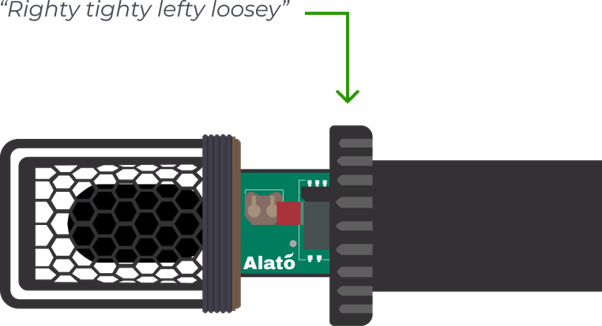
Unscrew the metal locking ring and remove the plastic case to access the screen and battery compartment.

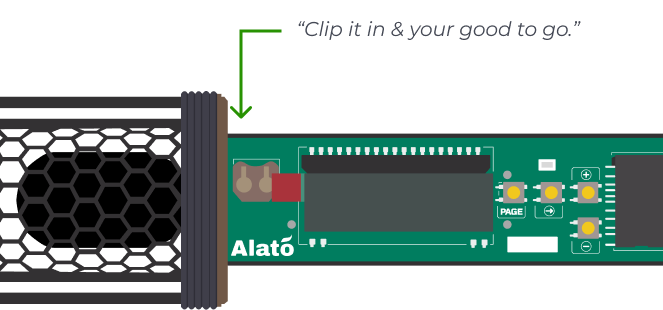

Insert the round CR1220 battery into the small metal clip to the top left of the LCD screen.
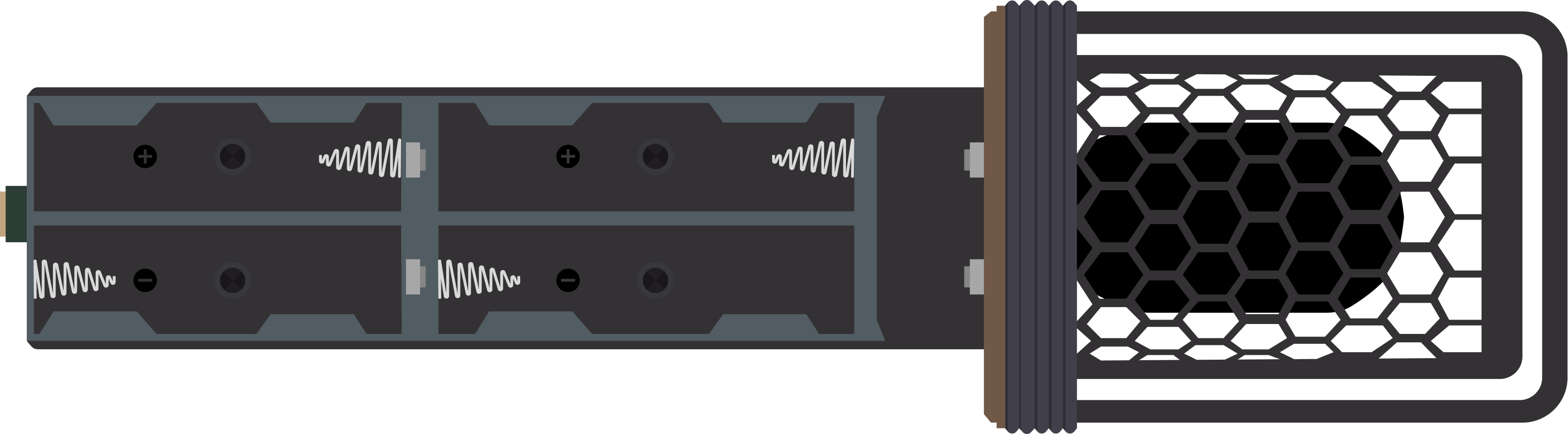
Insert 4 x AA batteries. Compatible with any rechargeable or single use AA's
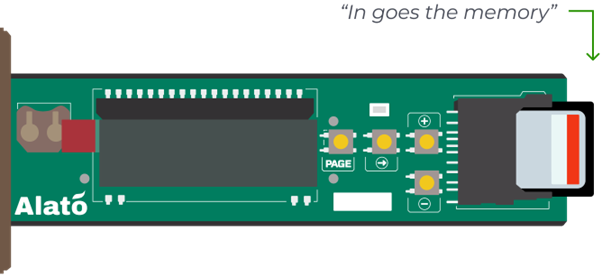
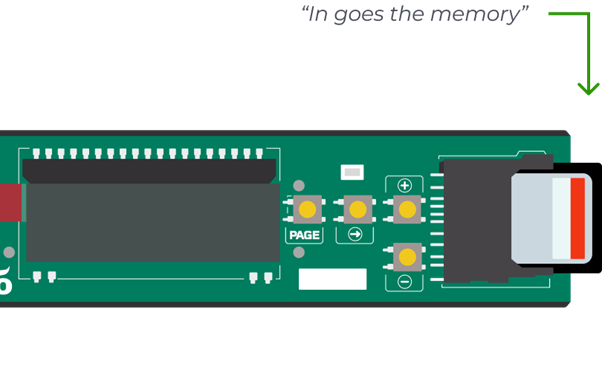
Insert a formatted SD card into the SD slot on the right side of the LCD screen.
To test the device, complete setup in the app and allow it to automatically set the date and time. Download the mobile app from the links below.
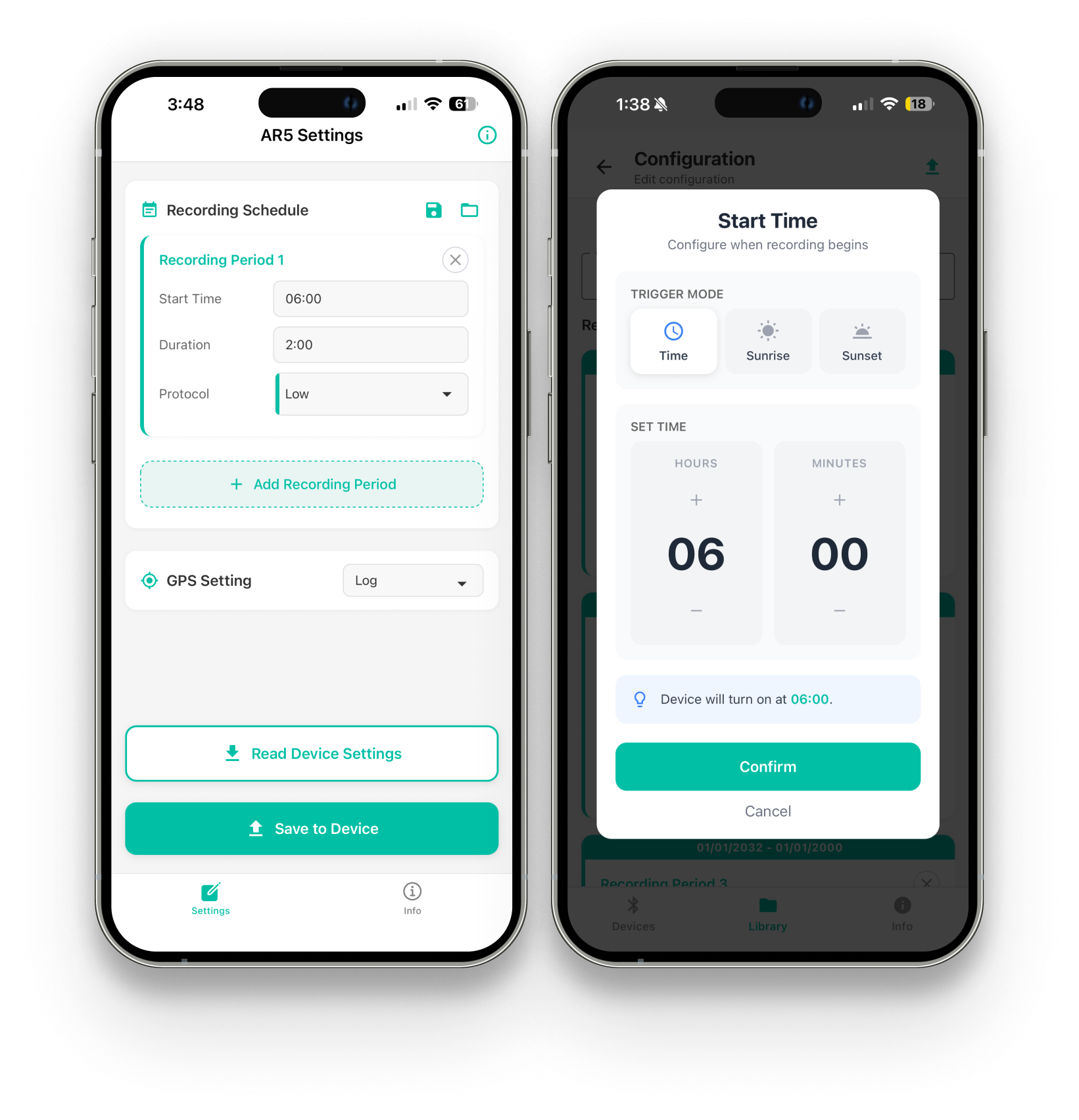


Your acoustic recorder is set up and ready for deployment to begin recording.

.png)
